Cliquid MD software
A simple, customizable user experience for routine diagnostic workflows
Require more information? Learn more
Cliquid MD software is the answer
Built with an intuitive interface and four-step workflow, Cliquid MD software simplifies data acquisition and processing by enabling users to pre-configure and customize routine clinical testing. Cliquid MD software provides a straightforward approach to routine diagnostic screening and quantitation so you can improve laboratory efficiency while reducing errors caused by manual work. With Cliquid MD software, experience:
- Point-and-click interface
- 4-step workflow
- Simplified data analysis and processing
- Reporting tools and functionalities
From samples to results in just a few clicks
Experience the simplicity and ease of use of Cliquid MD software with intelligent tools and features that improves confidence in your results. Minimize human errors and simplify your laboratory’s operations. Running LC-MS/MS-based clinical assays has never been easier.

Easy operation
A streamlined user experience, from the assay selection menu to customized reports, Cliquid MD software’s intuitive user interface makes routine IVD mass spectrometry analysis simple and straightforward. The step-by-step, workflow-driven analysis tools support simple and accessible operations to reduce training needs for routine quantitation, as well as targeted and unknown screening workflows.

Intelligently effective
Cliquid MD Software intelligently reads and processes barcode data. Read and compare barcode data based on sample number or name, and automatically flag any mismatched barcodes. Selecting and releasing your samples to a LIMS or LIS for analysis has never been simpler and can now be achieved with a single click of a button.

Simple yet customizable
Setting up and running samples is straightforward with the ability to customize your simple four-step workflow. Choose your reporting and exporting formats, including Word, Excel, PDF or other text-based documents – all of which can be tailored to your laboratory’s specific style.

Secure yet flexible
Secure user log-in functionality links the identity of operators to the tasks they are allowed to perform. Assign user permission privileges, whether it’s limited access to purely run samples and generate reports or extensive rights to create and activate tests and report styles.

Pre-configured testing
Cliquid MD software allows administrators to pre-configure and customize LC-MS/MS assays, for easy deployment to routine clinical testing.
LC-MS/MS medical devices for in vitro diagnostic use
Unveil the benefits of mass spectrometry for your most challenging clinical assays with our portfolio of robust and sensitive LC-MS/MS solutions registered as Class I and Class A in vitro diagnostic medical device under FDA and IVD-R, respectively.
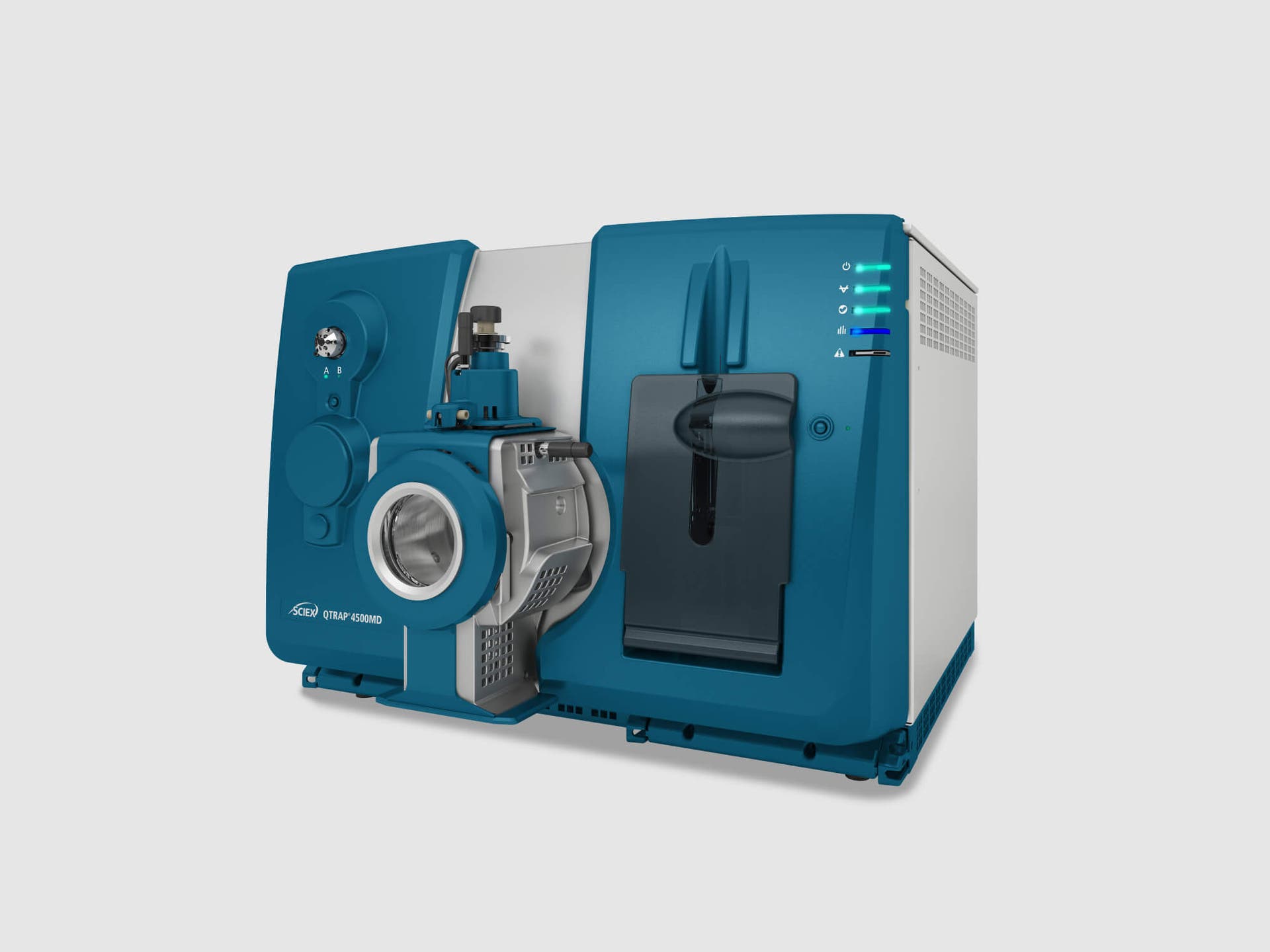
4500MD system series
The 4500MD systems provide the required sensitivity and specificity levels for core clinical diagnostics applications. The versatility of these mass spectrometers enables clinicians to perform routine quantitative analysis for the ever-increasing everyday demands of the modern clinical laboratory.
Learn more
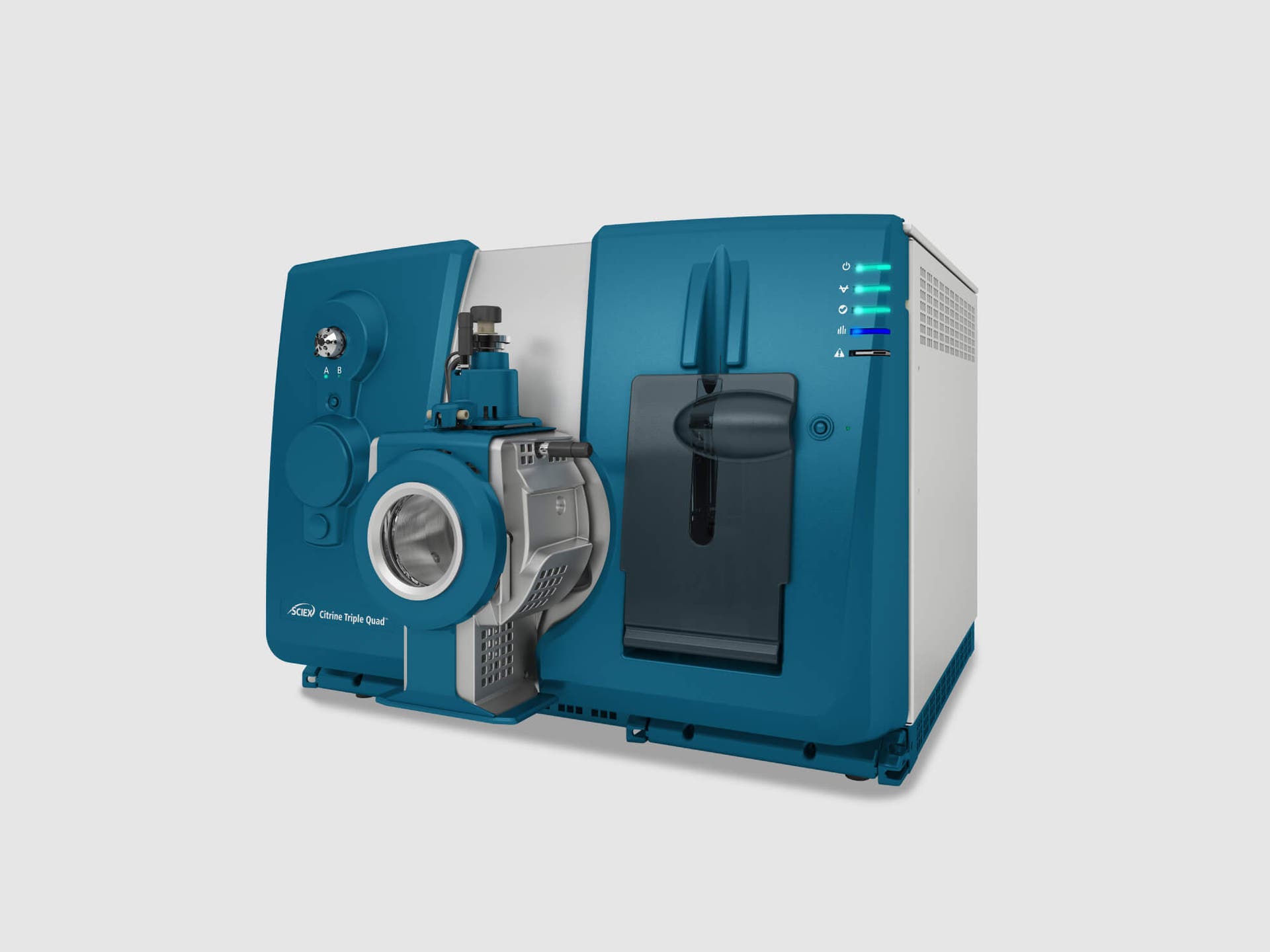
Citrine system series
The Citrine systems bring ultimate sensitivity and robustness to meet your most challenging clinical diagnostics assays. The Citrine systems provide speed and performance to increase your laboratory productivity today and address tomorrow’s clinical diagnostics and research needs.
Learn more