Accelerate discoveries from biological insight to real-world impact
Biomedical and omics research
From biomarker discovery to translational research, scientists today tackle increasingly complex biological questions. SCIEX helps biomedical and omics researchers generate deeper insights with the sensitivity, confidence, and scalability needed to move discoveries forward faster.
Whether you're exploring disease pathways, identifying novel biomarkers, or advancing precision medicine, our LC-MS/MS solutions enable you to uncover meaningful biological signals and translate data into action with greater confidence.
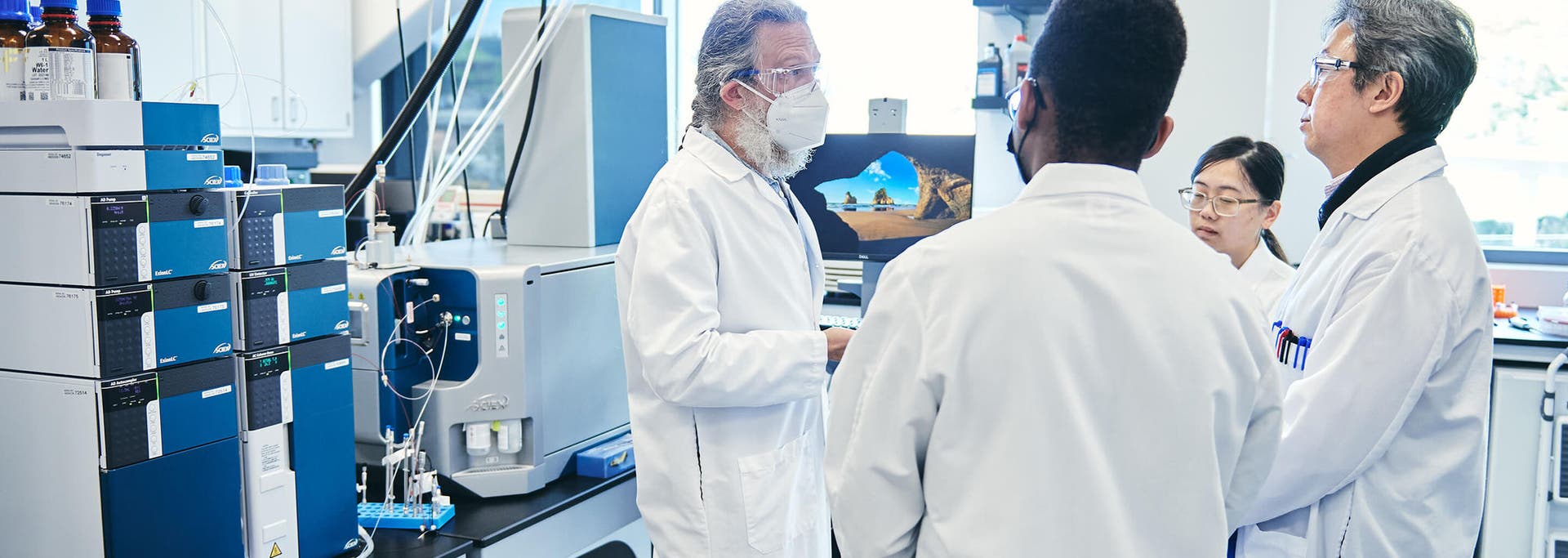
Advancing biomedical and omics research
Scientific breakthroughs begin with deeper biological understanding. SCIEX combines innovative mass spectrometry technologies, intuitive workflows, and scientific expertise to help researchers navigate complexity, accelerate discovery, and achieve meaningful impact across the research continuum. From early-stage exploration to translational studies, our solutions enable researchers to move from insight to impact faster while maintaining confidence in every result.
Explore omics research applications
SCIEX solutions help researchers navigate biological complexity with greater confidence, enabling deeper insights, more reliable decisions and faster progress from discovery to translational impact.
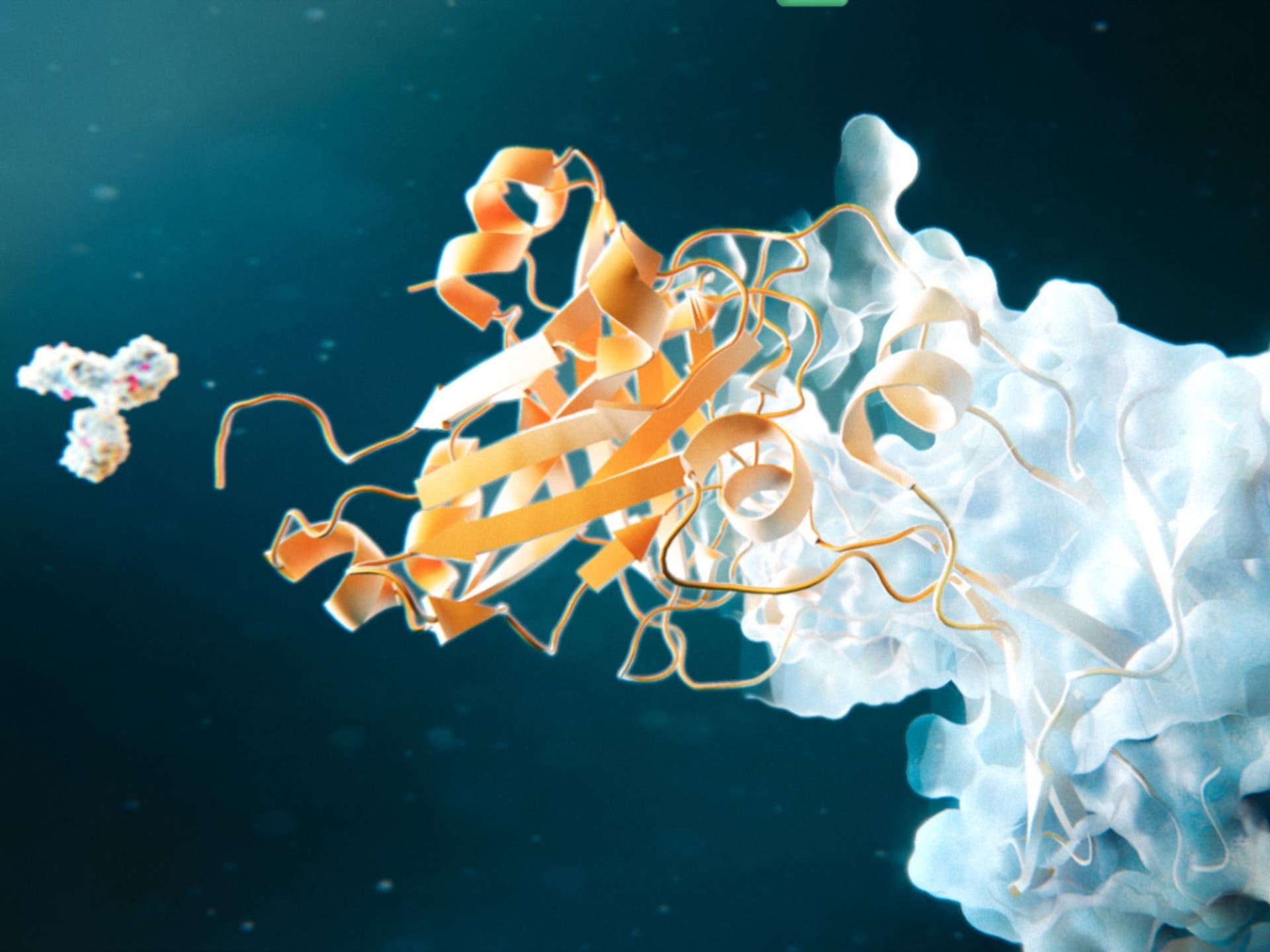
Proteomics
Reveal deeper insights into biological function
Advance proteomics research with workflows designed to deliver comprehensive protein characterization, confident quantitation, and scalable analysis across studies of any size.
Whether analyzing individual samples or large population cohorts, SCIEX solutions help researchers accelerate discovery and gain deeper understanding of biological systems with efficiency and confidence.
Learn more
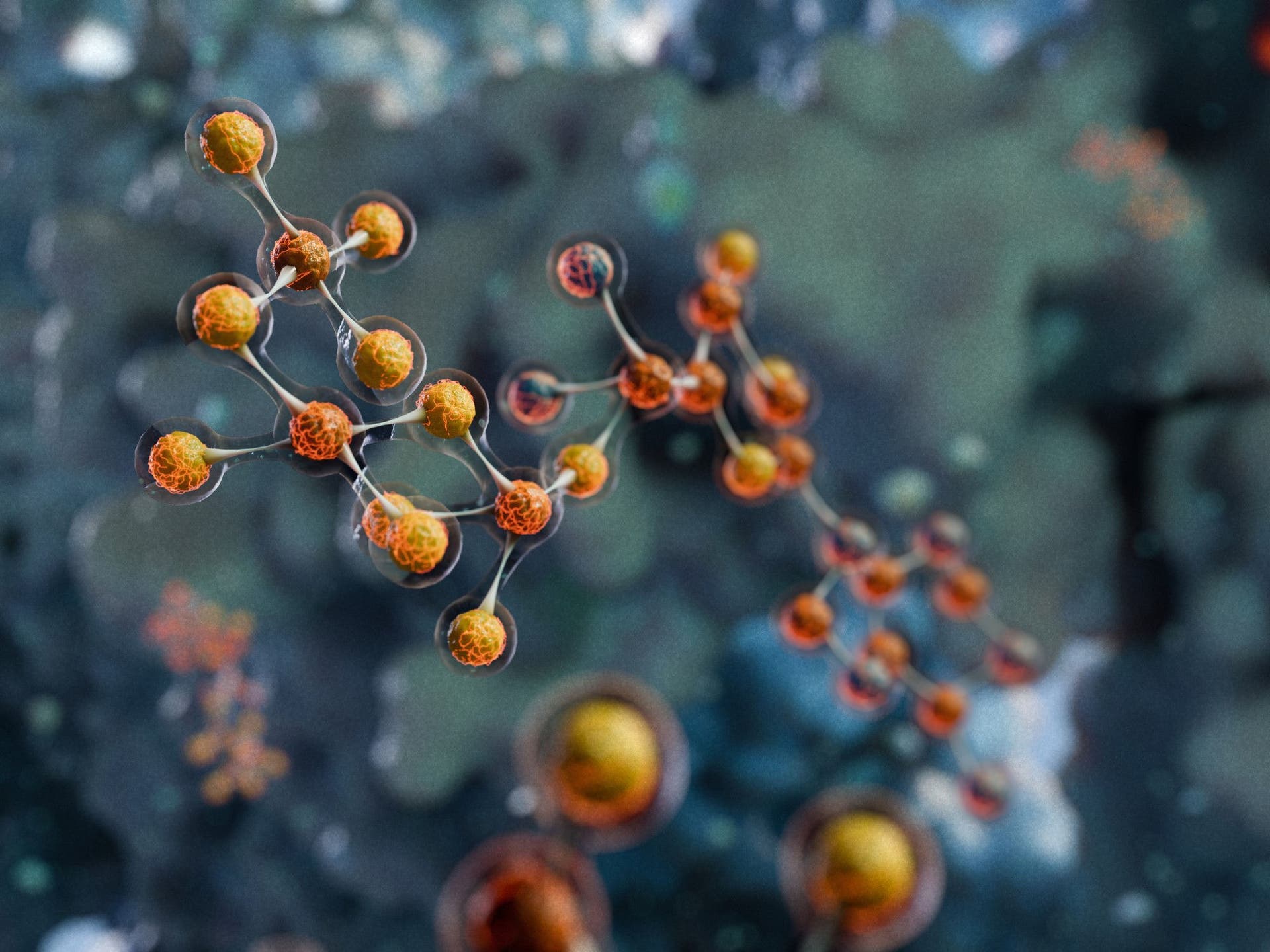
Metabolomics
Turning complex data into biological understanding
Accelerate metabolomics studies with streamlined workflows for data acquisition, processing, and interpretation.
From biomarker discovery to disease research and drug development, SCIEX helps researchers identify meaningful metabolic changes faster and transform complex datasets into actionable insights with confidence.
Learn more
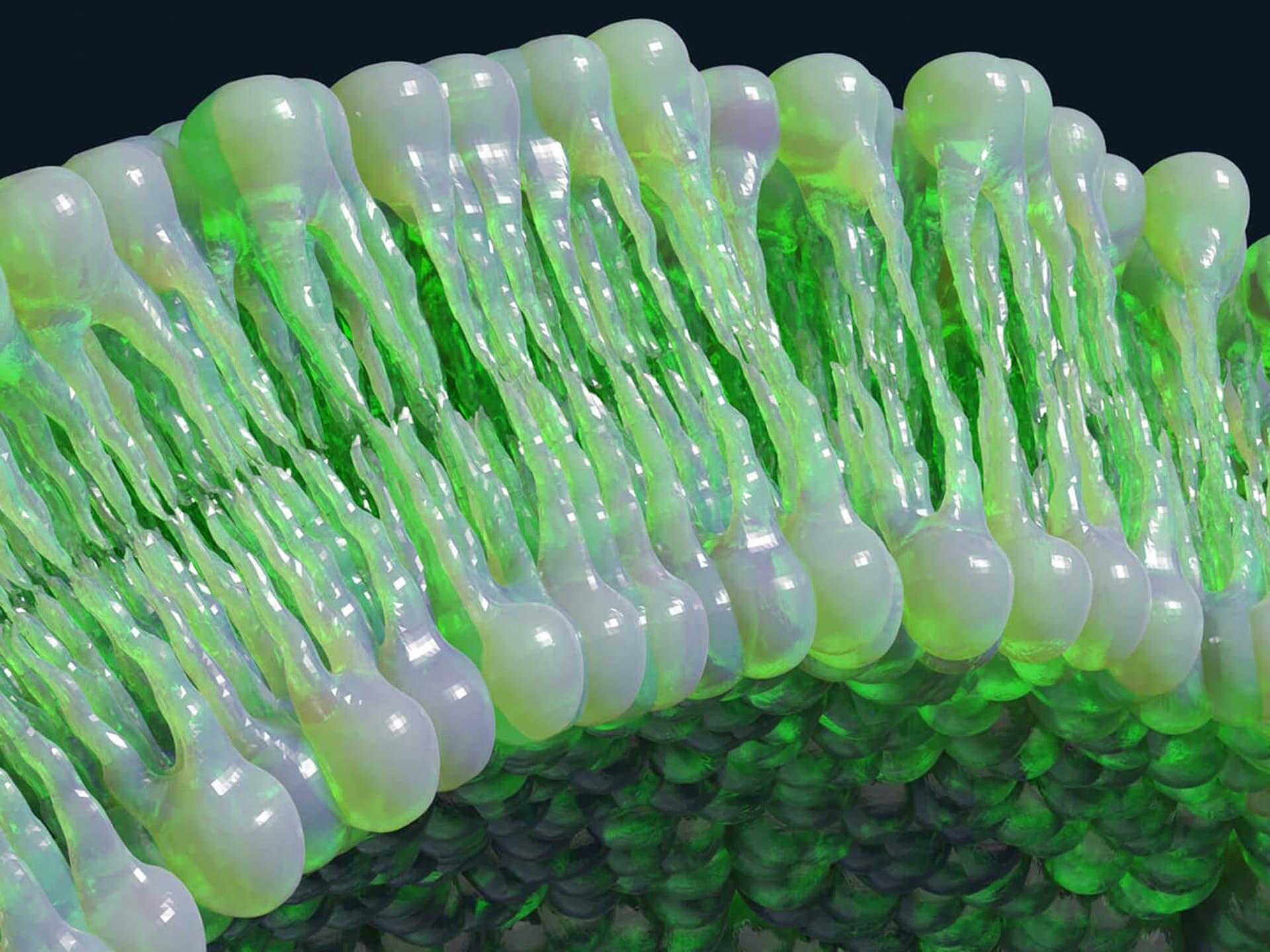
Lipidomics
Unlock a deeper understanding of lipid biology
Advance lipidomics research with powerful solutions to discover, identify, and quantify diverse lipid species.
Overcome analytical complexity, gain clearer insights into biological mechanisms, and confidently uncover new opportunities for disease research and therapeutic development.
Learn more
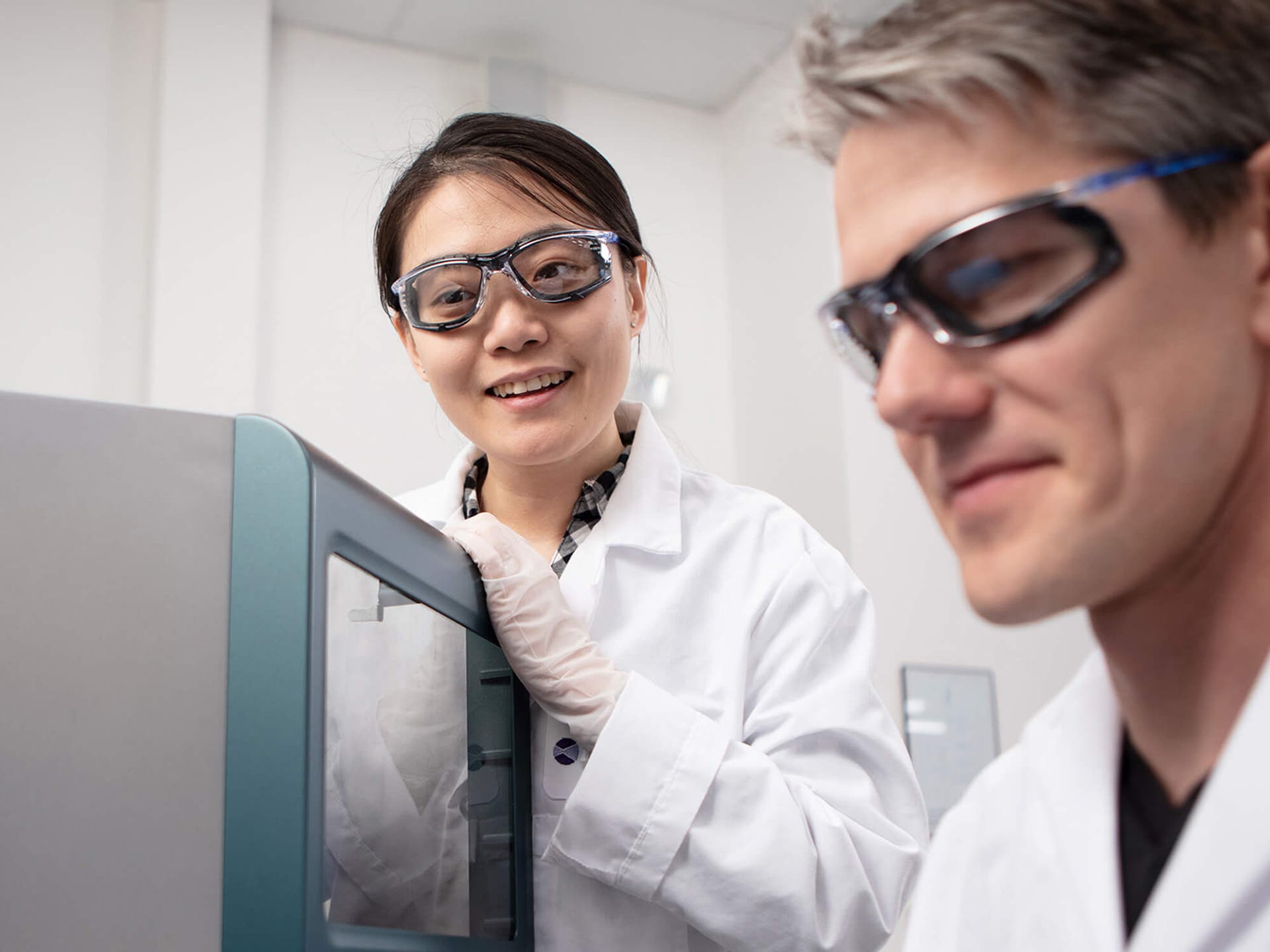
Connect with the SCIEX omics community
Collaborate with researchers around the world
Join a global community of scientists sharing knowledge, best practices, and innovative approaches across proteomics, metabolomics, and lipidomics.
Exchange ideas, learn from peers, and discover new ways to solve complex biological challenges together.
Visit the SCIEX omics community
Researchers accelerating the future of human health
Thought leaders
Researchers accelerating the future of human health

Extraordinary science. Meaningful impact.
See how leading biomedical and omics researchers are using SCIEX technologies to answer complex biological questions, advance scientific understanding, and accelerate discoveries that have the potential to improve human health. Explore stories from scientific leaders pushing the boundaries of what is possible in proteomics, metabolomics, lipidomics, and translational research.
Explore Extraordinary Science
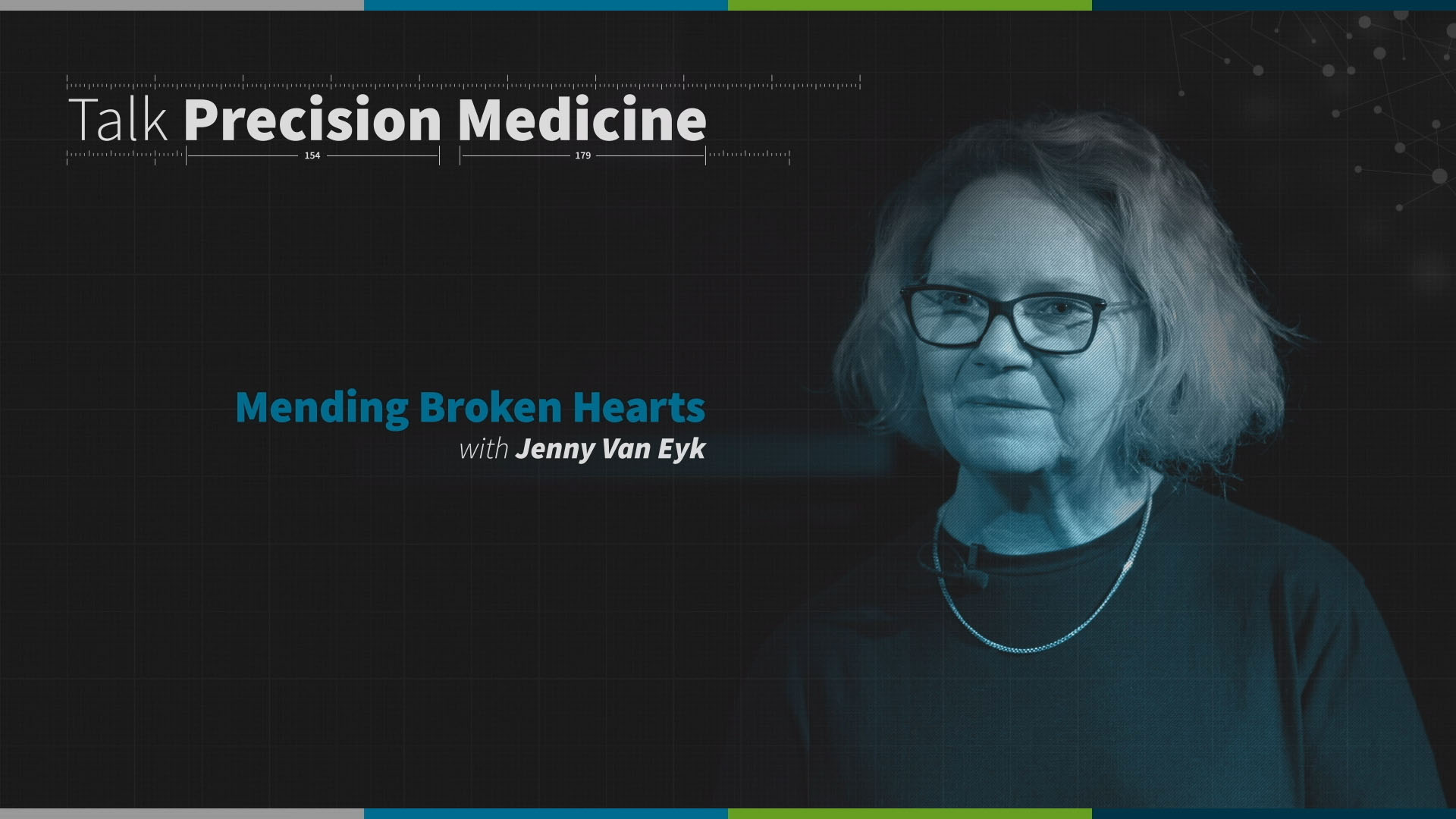
Featured research story: Mending broken hearts
Discover how researchers are using advanced proteomics approaches to better understand disease progression, identify critical biomarkers, and unlock new opportunities to improve patient outcomes. Hear firsthand how deeper biological insights can help address some of healthcare's most complex challenges.
Watch the story
Technology built for discovery - Generate deeper insights with confidence
Every breakthrough depends on trusted data. SCIEX mass spectrometry solutions are designed to help researchers achieve greater depth, sensitivity, and analytical confidence across a wide range of omics workflows. From discovery research to translational applications, our technologies enable scientists to confidently move projects forward and accelerate progress toward meaningful outcomes.
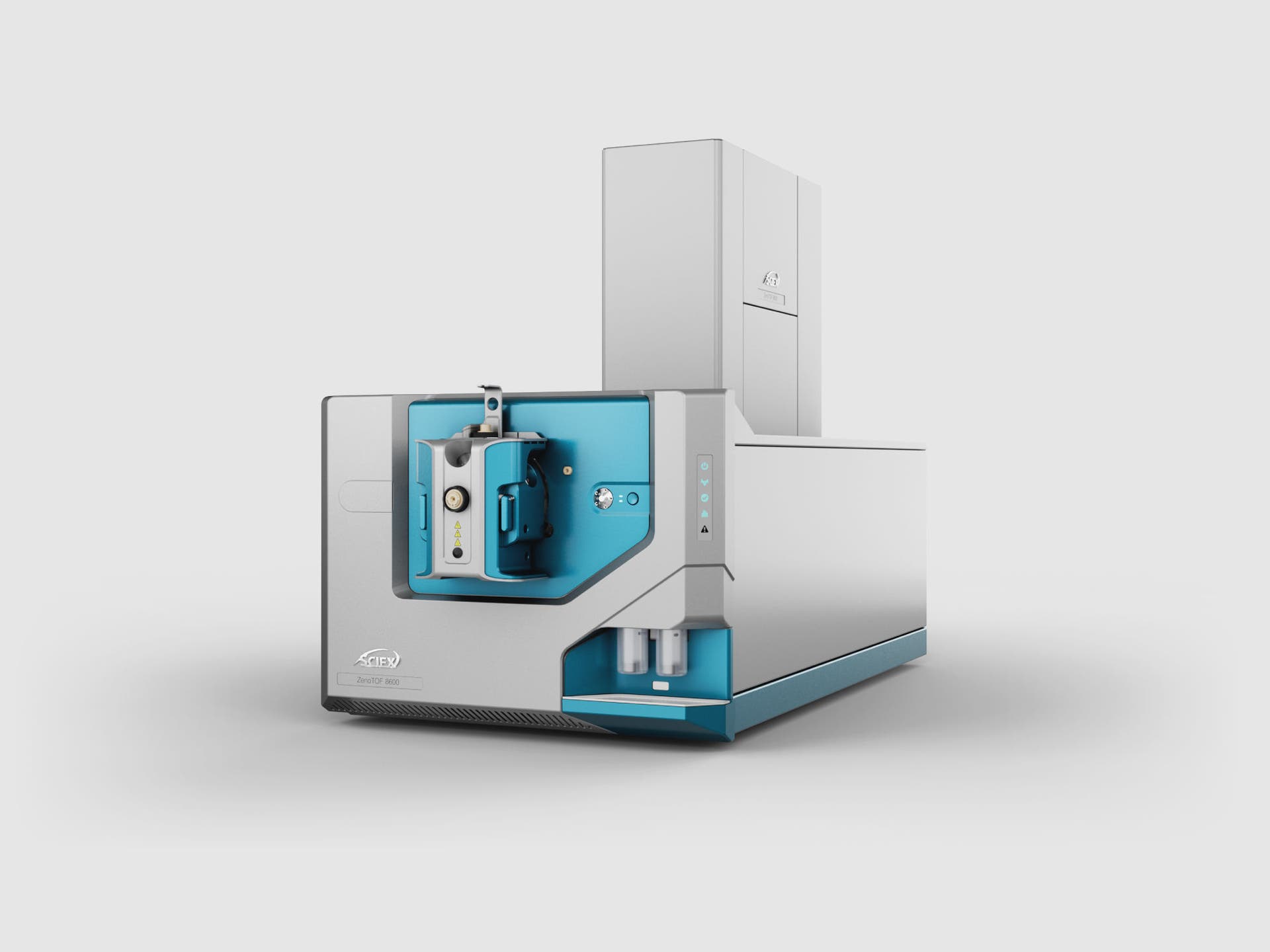
ZenoTOF 8600 system
Push the boundaries of discovery with exceptional sensitivity and analytical performance. The ZenoTOF 8600 system helps researchers detect more, quantify with confidence, and accelerate high-impact scientific research.
Learn more
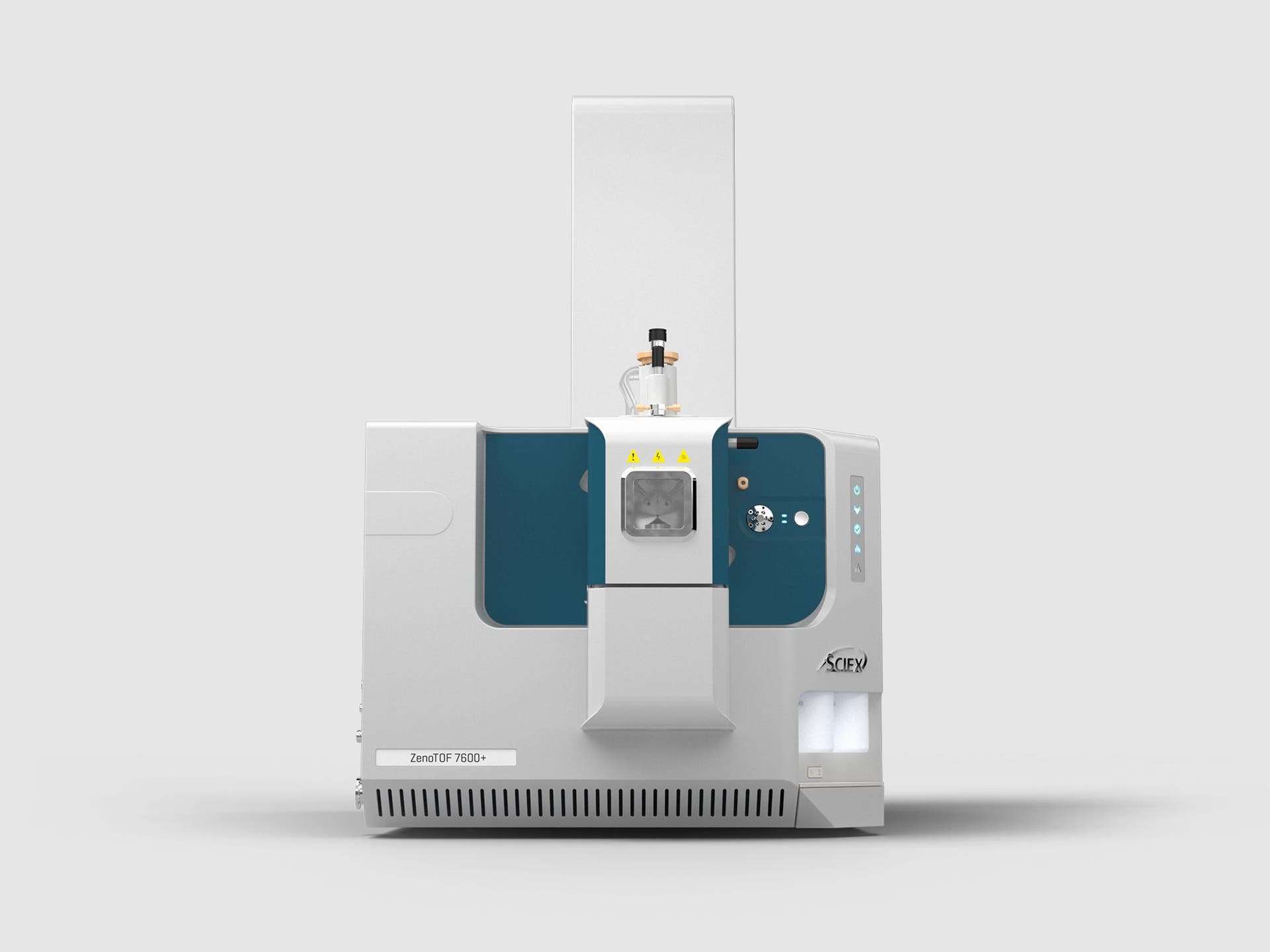
SCIEX 7600+ system
Gain enhanced depth, specificity, and quantitative confidence for demanding omics workflows. Designed for high-throughput studies and low sample volumes, the SCIEX 7600+ system helps researchers generate reliable insights faster.
Learn more
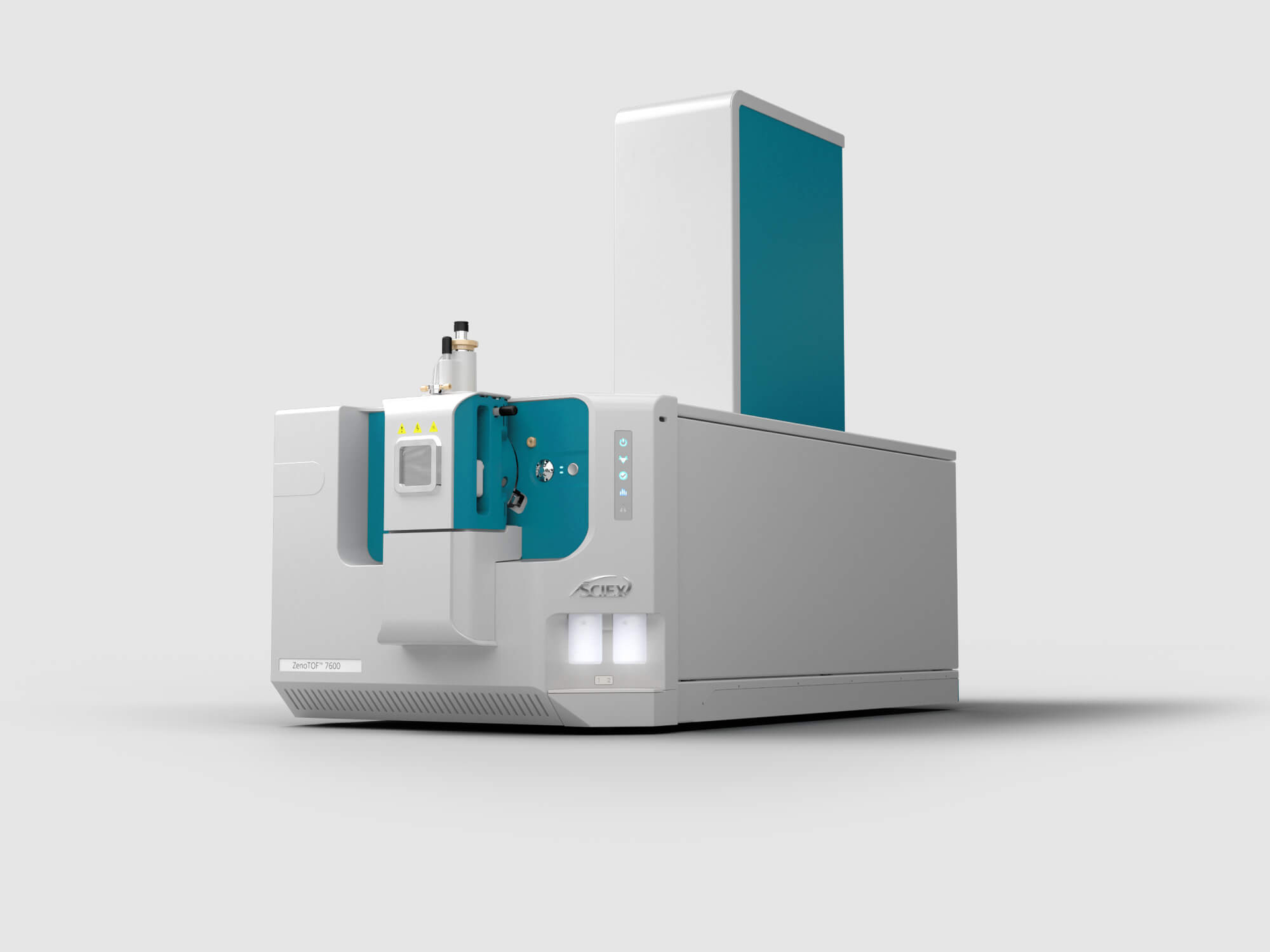
ZenoTOF 7600 system
A proven platform for untargeted analysis, quantitative workflows, and structural characterization. Deliver deeper biological understanding through high-resolution mass spectrometry powered by Zeno trap technology.
Learn more
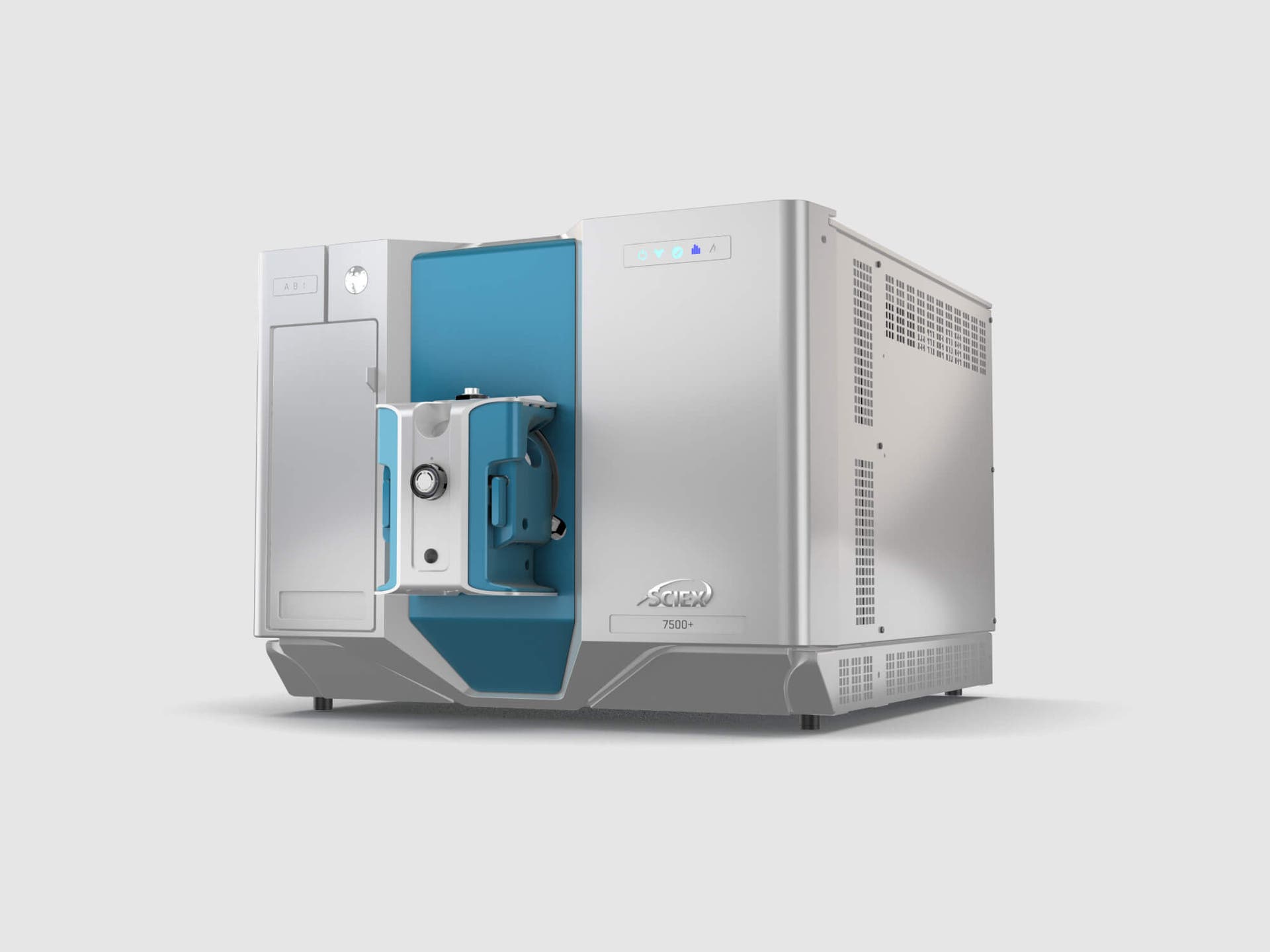
SCIEX 7500+ system
Take on evolving analytical challenges with confidence. Built for resilience, robustness, and exceptional sensitivity, the SCIEX 7500+ system helps maximize instrument uptime while supporting demanding research timelines.
Learn more
Stay connected
Join the omics conversation
Stay up to date with the latest trends, scientific breakthroughs, and community insights in proteomics, metabolomics, lipidomics, and biomedical research.
Follow SCIEX Omics on LinkedIn to connect with researchers worldwide and discover new opportunities to advance your work.