AB Sciex is doing business as SCIEX. © 2010-2019 AB Sciex. The trademarks mentioned herein are the property of the AB Sciex Pte. Ltd. or their respective owners. AB SCIEX™ is being used under license. Beckman Coulter® is being used under license. Product(s) may not be available in all countries. For information on availability, please contact your local representative. For research use only. Not for use in diagnostic procedures.
You can reduce costs and delays by maintaining and diagnosing common issues with your LC-MS systems on your own. All you need is the right training to identify problems and know how to overcome them. Build your skills with SCIEX University™ Success Programs, which offer a unique blend of self-paced online learning, instructor-led and hands-on training to maximize your knowledge retention. Once you can solve common problems with your HPLC or LC-MS system yourself, you'll:
You have four courses available to you for solving HPLC and LC-MS problems:
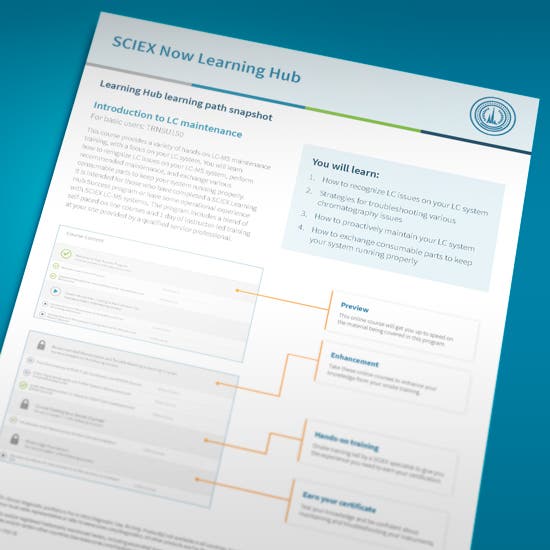
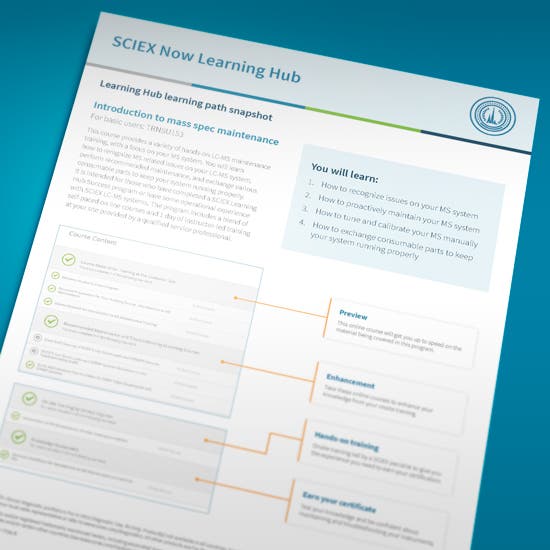
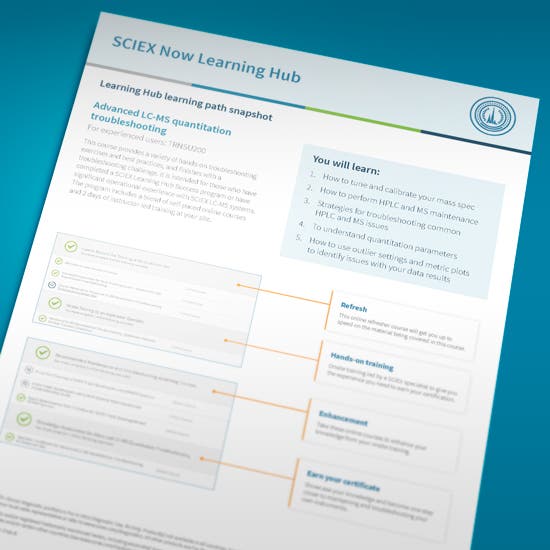
The training process includes a unique blend of self-paced online courses, instructor led and hands-on training provided at your site. See how the courses are organized with these examples of the learning paths.
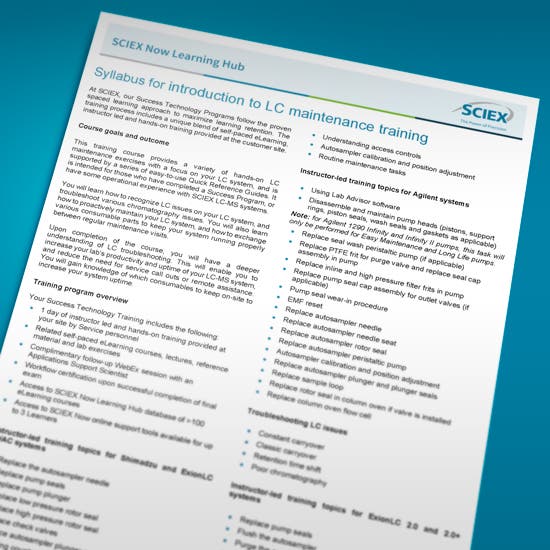
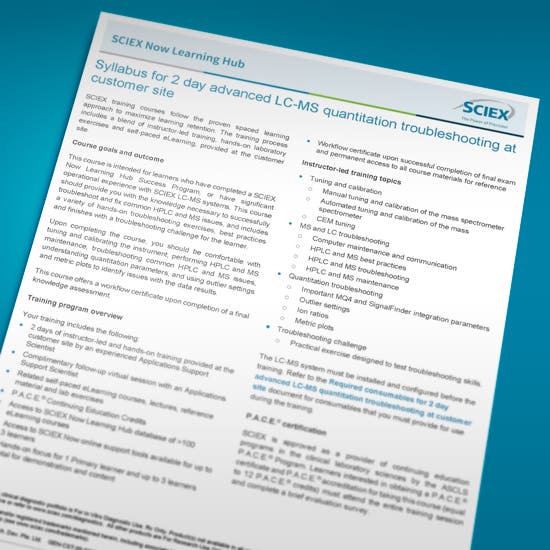
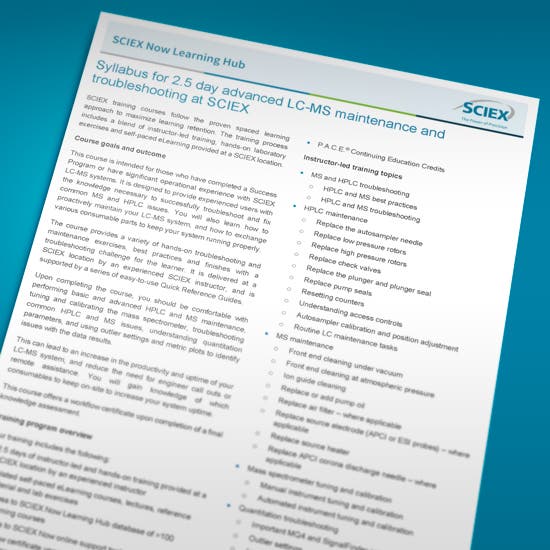
Each troubleshooting and maintenance course includes a instructor-led onsite training. The syllabus gives you additional details about each onsite course experience.
GEN-MKT-18-6290-D
SCIEX products are For Research Use Only. Not for use in Diagnostics Procedures. For more information contact your local sales representative.

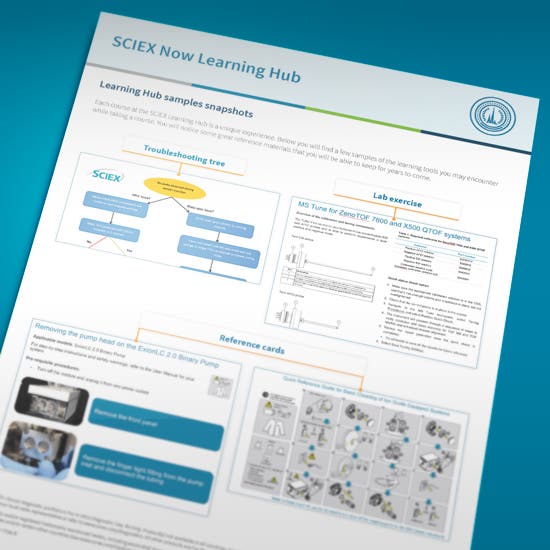
Take a look at some samples of the learning tools you'll get to use and keep when you take the courses.
Video Length 0:53
A new password has been sent to your email.
You have added a user.
This serial number could not be found. Would you like to submit the case anyway?
Your password has been updated.
Your account is now created.
A verification link has been sent to your email.
A new password has been sent to your email.
Your insturment has been removed.
Your privacy settings are now updated.
Software has already been registered to another instrument. Please check your AID and try again.
If you want to change the License Key to another instrument, please submit a new case.
Software has already been registered to the instrument selected.
Please check your instrument's software by going to the Instruments page and selecting the instrument in your "My Instruments" section. Here you will see a Software tab where you can view your instrument's software information.
You can also go to the Registered Software page to view software associated with your instrument(s).
If you are not finding what you are looking for, please submit a new case.