AB Sciex is doing business as SCIEX. © 2010-2019 AB Sciex. The trademarks mentioned herein are the property of the AB Sciex Pte. Ltd. or their respective owners. AB SCIEX™ is being used under license. Beckman Coulter® is being used under license. Product(s) may not be available in all countries. For information on availability, please contact your local representative. For research use only. Not for use in diagnostic procedures.
For research use only. Not for use in diagnostic procedures.
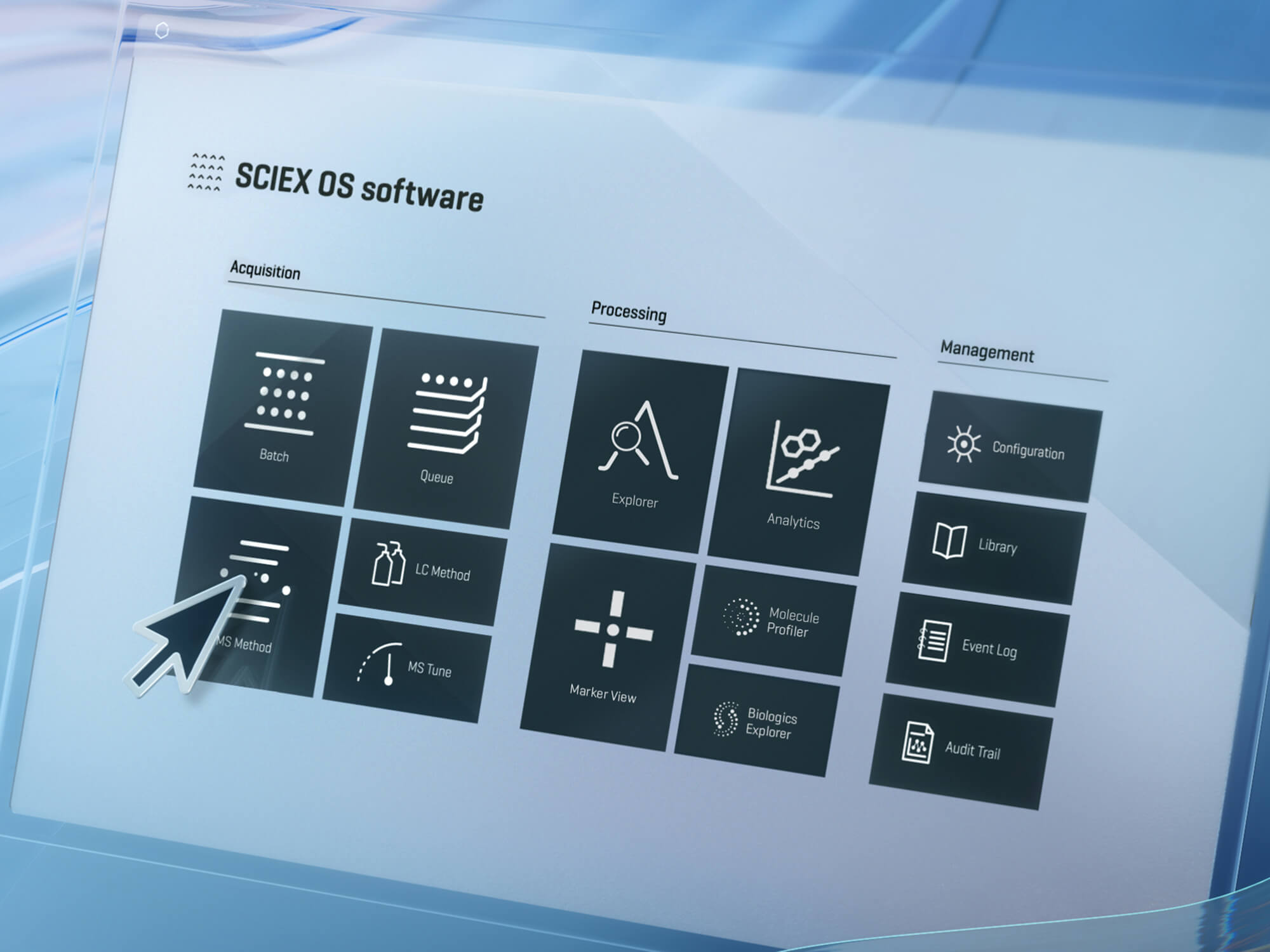
For labs that need fast results, LibraryView Software is a user-friendly tool for managing both nominal and accurate mass LC/MS/MS spectral data. With the flexibility for users to create libraries or take advantage of available SCIEX libraries, the LibraryView Software provides a simplified solution to improve advanced LC/MS/MS results. It is used in conjunction with PeakView® Software/ MasterView™ Software and SCIEX OS Software.
Be confident in identified positives — create and edit spectral libraries under multiple analysis conditions (even different matrix conditions), improvising search confidence
Faster data review with interactive functionality that streamlines the process within a few clicks!
Maximize the benefits from your SCIEX QTRAP® and TripleTOF® systems, which helps labs turn out results faster for routine contaminant screening
RUO-MKT-18-5979-A
A new password has been sent to your email.
You have added a user.
This serial number could not be found. Would you like to submit the case anyway?
Your password has been updated.
Your account is now created.
A verification link has been sent to your email.
A new password has been sent to your email.
Your insturment has been removed.
Your privacy settings are now updated.
Software has already been registered to another instrument. Please check your AID and try again.
If you want to change the License Key to another instrument, please submit a new case.
Software has already been registered to the instrument selected.
Please check your instrument's software by going to the Instruments page and selecting the instrument in your "My Instruments" section. Here you will see a Software tab where you can view your instrument's software information.
You can also go to the Registered Software page to view software associated with your instrument(s).
If you are not finding what you are looking for, please submit a new case.