LipidView software is a data processing tool for the molecular characterization and quantification of lipid species from electrospray mass spectrometry data. The software enables lipid profiling by searching parent- and fragment-ion masses against a lipid fragment database containing over 25,000 entries and reports a numerical and graphical output for various lipid molecular species, lipid classes, fatty acids, and long chain bases.1 LipidView software streamlines key steps such as automated data processing from template methods, method editing and selection, lipid species identification, comprehensive isotope contribution removal, multiple internal standards-based quantification, visualization and result reporting. Combined with the SCIEX QTRAP or TripleTOF systems, this complete hardware and software package offers unique data acquisition strategies coupled with automated data processing for lipid profiling.

Status: Available
Overview
Feature in LipidView software version 1.2:
- Even more lipid structural information was added to the database:
- More than 50 lipid classes and over 25,000 lipid species are represented in a lipid fragments database
- More than 600 characteristic lipid fragments listed
- Lipid catalog and lipid calculator utilities for identification verification
- Data processing can be accommodated for all SCIEX Triple Quad, QTRAP, and TripleTOF systems,
as well as legacy systems, including the QSTAR system and earlier SCIEX Triple Quad systems - Support of lipid bioinformatics in medium sample throughput
- Enhanced LC/MS support for method development and data processing
- Access to qualitative data analysis tools through an integrated link to PeakView software
- Ability to export LipidView software methods to suitable formats for use on other SCIEX systems using the new LipidView method exporter
Software
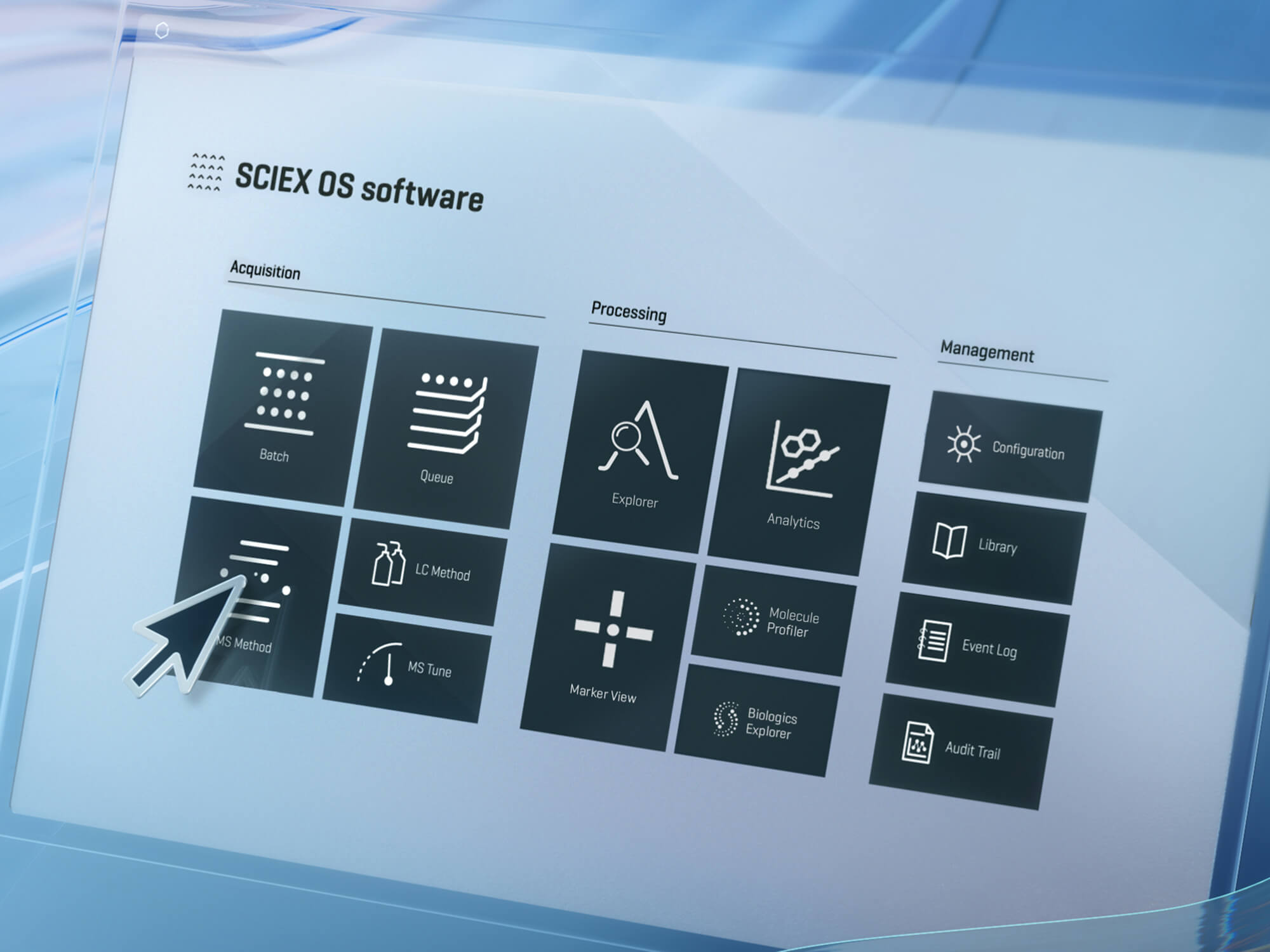
SCIEX OS software
Learn more